
Last updated: September 2026
Key Takeaways
- AI can handle on-page SEO for a blog post in about five minutes: keyword ideas, keyword placement, links, the meta description, the URL and image alt text.
- Start with the questions your audience is asking. Those questions are your best keywords and your best headings.
- In 2026 there’s a second layer worth adding. Structure each post so AI assistants can quote it, which is called GEO.
- Keep your own stories and opinions in the post. They’re what make it worth ranking and worth citing.
This post is part of my complete guide to reviving old content so it gets found by Google and AI.
Read the full guide → Revive Your Old Content
AI has turned on-page SEO from an hour of fiddling into about five minutes per post. It can find your keywords, place them naturally, suggest links, write your meta description and draft your alt text with a few prompts. And in 2026 there’s a second layer worth adding while you’re in there: structuring the post so AI assistants cite it too.
For years I watched coaches and course creators either skip SEO completely or rush through it at the end. Their content was good. It just wasn’t getting found. I did the same thing before AI made it fast enough to do on every post.
Here’s the whole pass I use now, step by step.
Why Does SEO Still Matter for Your Blog Posts?
SEO still matters because search is how people find answers when they’re ready to act, and a post that doesn’t show up can’t bring you a single lead.
What’s changed is where people search. They still use Google. They also ask ChatGPT, Claude and Perplexity, and they read Google’s AI Overview before they scroll the links. A good SEO pass now helps you in both places, because the same things that help Google understand your post also help AI tools quote it.
How Do You Use AI for Keyword Research?
You use AI for keyword research by starting with your audience’s real questions, then asking AI for the specific phrases people use to search for those answers.
Start with the problem, not the keyword. Ask AI what questions your ideal client is asking about your topic and what’s frustrating them about it. Pick one of those questions for your post. It becomes your topic, your main heading and often your keyword.
Then ask for keyword ideas, especially longer, more specific phrases. “Business coach for introverts” is easier to rank for than “business coach,” and the person searching it knows exactly what they want.
If you have Google Search Console, add it to the mix. Posts that are already getting impressions for a phrase are telling you what Google thinks they’re about. That’s the fastest place to improve.
What’s the Five-Minute SEO Pass With AI?
A five-minute SEO pass is one short AI session per post that covers keyword placement, links, the meta description, the URL and the images.
Here’s what I ask for:
- Keyword placement. Paste the post and your keyword, and ask AI to work it in naturally: the title, one heading, the first paragraph and the meta description. No stuffing.
- Internal links. Give AI a list of your posts with a one-line description of each, and ask which ones this post should link to.
- Outbound links and sources. Ask for current statistics that support your main point, with a source for each one so you can check it before you use it.
- Meta description. Ask for three options under 155 characters that make someone want to click.
- A short URL. Ask for a clean, keyword-focused slug for a new post. On an old post, keep the URL you have.
- Image alt text. Describe each image and ask for plain, useful alt text.
I use Yoast SEO on my WordPress site to check the result. It flags anything I missed and makes it easy to set the meta description and keyphrase. If you ever do change a URL or merge two posts, set up a 301 redirect so people and search engines land on the right page. Yoast Premium does that for me too.
What Is GEO, and Does Your Blog Need It?
GEO, or generative engine optimization, means structuring your content so AI assistants like ChatGPT, Claude, Perplexity and Google’s AI Overviews can understand it, trust it and quote it. If your buyers use those tools, your blog needs it.
Most of it is structure, and AI can add it in the same pass:
- A direct answer in the first two or three sentences of the post and of each section.
- Headings written as the questions people ask.
- Short, clear sentences that make sense on their own when quoted.
- An FAQ section at the end.
- A visible “last updated” date and an author line that shows your experience.
I wrote more about how this fits with updating old posts in my guide to reviving old content for Google and AI.
One thing AI can’t add for you is proof that you know what you’re talking about. Your stories, your client moments and your opinions are what make a post worth citing. Put those in first, then let AI handle the structure.
What To Do Next
Pick one post that already gets a little traffic and run the pass.
- Find the question. Ask AI what your audience asks about the topic and match the post to one question.
- Run the five-minute pass. Keywords, links, meta description, URL and alt text.
- Add the GEO layer. Direct answers, question headings, an FAQ and an updated date.
- Check it and publish. Review everything AI suggested, confirm your sources, then update the post.
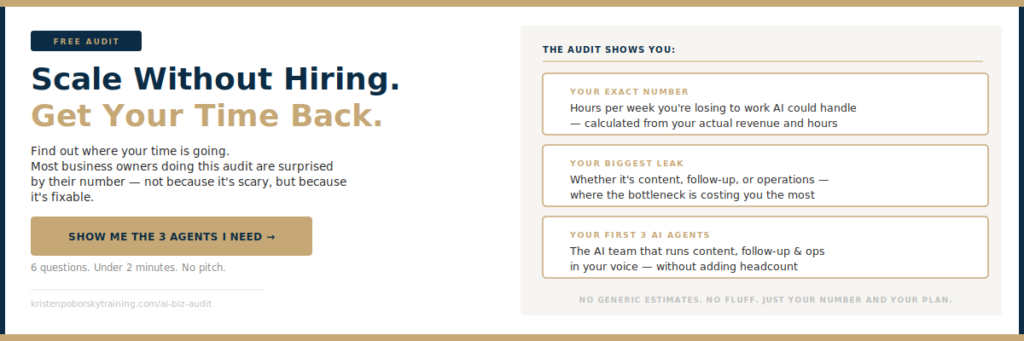
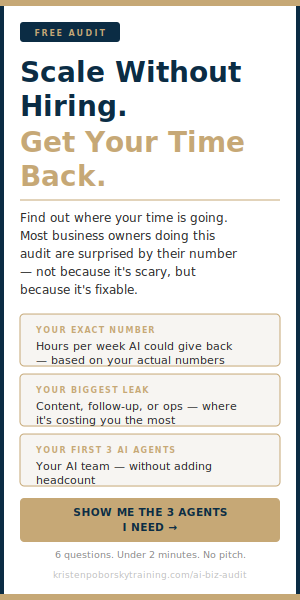
If you’d like to see where AI could take more work off your plate, take the free 2-Minute AI Business Audit below. It shows you the first three agents to build, what not having them is costing you, and what changes once they’re running.
SEO used to be the step everyone rushed or skipped. With AI it takes about five minutes a post, and the same pass now helps you get found in Google and quoted by the AI tools your buyers use. Bring your own stories and let AI handle the rest. Take the free 2-Minute AI Business Audit, or steal my AI org chart, and see what else your AI team could be doing.
Frequently Asked Questions
Can AI do keyword research?
Yes. AI is good at finding the questions your audience asks and the specific phrases they use to search. Pair it with Google Search Console data when you have it, and check the final choice against what you actually want the post to rank for.
How do I SEO a blog post with AI?
Paste the post and your keyword into AI and ask it to place the keyword naturally, suggest internal links, find sourced statistics, write three meta description options and draft alt text for your images. Then review it in an SEO plugin like Yoast before you publish.
What is GEO and do I need it?
GEO stands for generative engine optimization. It’s structuring content so AI assistants can quote it, using direct answers, question headings, short clear sentences, an FAQ and a visible updated date. If your buyers ask AI tools for recommendations, it’s worth adding.
Should I change the URL of an old post to add a keyword?
Usually not. Changing the URL can break existing links and reset some of the history the post has built. If you must change it, set up a 301 redirect from the old URL to the new one.
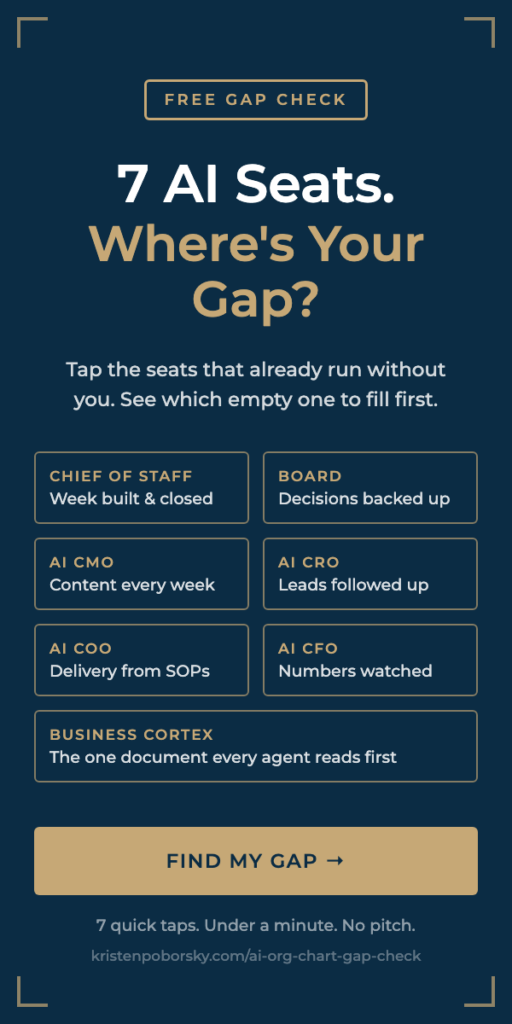
Want to know which AI agents your business needs first? Take the free 2-Minute AI Business Audit. It shows you the first three agents to build, what not having them is costing you, and what changes in your business once they’re running. Or steal my AI org chart and see which of the 7 AI seats your business still has empty.