
Last updated: September 2026
Key Takeaways
- One recording can carry your YouTube SEO and your written content at the same time, as long as AI handles the multiplying.
- The transcript is the raw material for everything: the YouTube title and description, the timestamps, the blog post, the email and your social posts.
- Give AI your voice and offer context before it writes, so every piece sounds like you and points to the right next step.
- Your YouTube description and your blog post help each other. The video gets found in YouTube and Google, and the post gets found in Google and AI assistants.
This post is part of my complete guide to reviving old content so it gets found by Google and AI.
Read the full guide → Revive Your Old Content
One recording can carry your YouTube SEO and your written content at the same time, if AI handles the multiplication: the keyword-focused description, the timestamps, the blog post and the email. Here’s how the pieces connect so one video works everywhere.
When I started making videos, every one felt like a single piece of content. I’d upload it, write a quick description and move on. The blog post, if there was one, was a separate project for another day. Most weeks, another day never came.
Now I record once, and AI turns that recording into everything else. Here’s how I do it.
How Do You Do YouTube SEO With AI?
You do YouTube SEO with AI by giving it your video transcript and asking for a keyword-focused title, a description, timestamps and tags based on what you actually said.
YouTube is a search engine, and it reads the words around your video to figure out what it’s about and who should see it. Most of us rush those words. AI doesn’t have to.
Here’s what I ask for from each transcript:
- Title options. Five titles that include the phrase people would search for, written so someone wants to click.
- A description. The first two lines answer the viewer’s question and include the keyword. The rest summarizes the video and links to the blog post and my free audit.
- Timestamps. AI reads the transcript and marks where each topic starts, which gives viewers chapters and gives YouTube more context.
- Tags and keywords. A short list of related phrases to use in the tags and the description.
Before any of that, I give AI my voice and offer details. Without them, the description reads like anyone’s, and the call to action points nowhere in particular.
How Do You Turn One Video Into a Blog Post?
You turn one video into a blog post by giving AI the transcript, your voice context and a clear structure, then reviewing the draft before you publish.
This is where the recording pays off twice. You already said everything the post needs, in your own words. AI’s job is to organize it for reading: a direct answer at the top, question-style headings, an FAQ at the end, and the video embedded in the post.
Then I read it once and speak back anything that doesn’t sound like me. It’s the same method I use for every piece of content I publish. I wrote about why talking beats typing in Stop Typing AI Prompts, Talk Instead.
Your blog post and your video help each other. The embedded video keeps readers on the page longer. The post gives Google and AI assistants a written version they can read and quote. And the post links back to your channel, so people who find you in search can keep watching.
What Else Can One Recording Become?
One recording can also become your weekly email, a handful of social posts and short video clips, all from the same transcript.
Once the transcript and your context are loaded, each of these takes a single prompt:
- An email that tells the story from the video and links to the full post.
- Social posts built from the strongest lines you said on camera.
- Clip ideas, with the timestamps for the moments worth cutting into shorts or reels.
I don’t publish all of it word for word. I review each piece, add what’s missing and cut what doesn’t fit. But I’m editing, not starting from a blank page, and that’s where the time savings come from.
If you’re refreshing older content, this works backward too. An old video with no blog post is an easy win. Pull the transcript, run it through the same process and publish the post you never got around to writing.
What To Do Next
Take your most recent video and run it through the whole process once.
- Get the transcript. From your editing tool or from YouTube.
- Load your context. Your voice, your audience and the offer the video should lead to.
- Build the YouTube package. Title options, description, timestamps and tags.
- Build the rest. A blog post with the video embedded, an email and a few social posts.
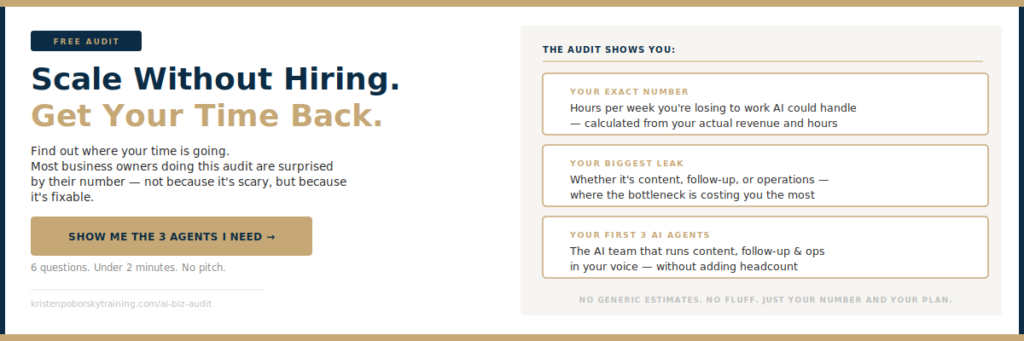
If you’d like to see which parts of your content and business AI should be running first, take the free 2-Minute AI Business Audit below. It shows you the first three agents to build, what not having them is costing you, and what changes once they’re running.
You don’t need more recordings. You need more out of each one. When AI handles the description, the timestamps, the blog post and the email, one video can help you get found in YouTube, in Google and in the AI tools your buyers ask for recommendations. Take the free 2-Minute AI Business Audit, or steal my AI org chart, and see what your AI team could be doing with every video you make.
Related: Improve the SEO for Your Blog Posts with AI • Stop Typing AI Prompts, Talk Instead
Frequently Asked Questions
How do I SEO a YouTube video with AI?
Give AI the video transcript and your target keyword, and ask for title options, a description that answers the viewer’s question in the first two lines, timestamps for each topic and a short list of tags. Review everything before you publish.
Can one video become a blog post?
Yes. The transcript already holds your ideas in your own words. AI can organize it into a post with a direct answer at the top, question headings and an FAQ. Embed the video in the post and read it once to make sure it sounds like you.
What goes in a YouTube description?
Start with two lines that answer the viewer’s question and include your keyword. Follow with a short summary, timestamps for each section, a link to the related blog post and one clear next step, like a free resource.
Do I need a separate blog post if I already have a YouTube video?
It helps. The blog post gives Google and AI assistants a written version to read and quote, keeps readers on your site, and sends new viewers to your channel.
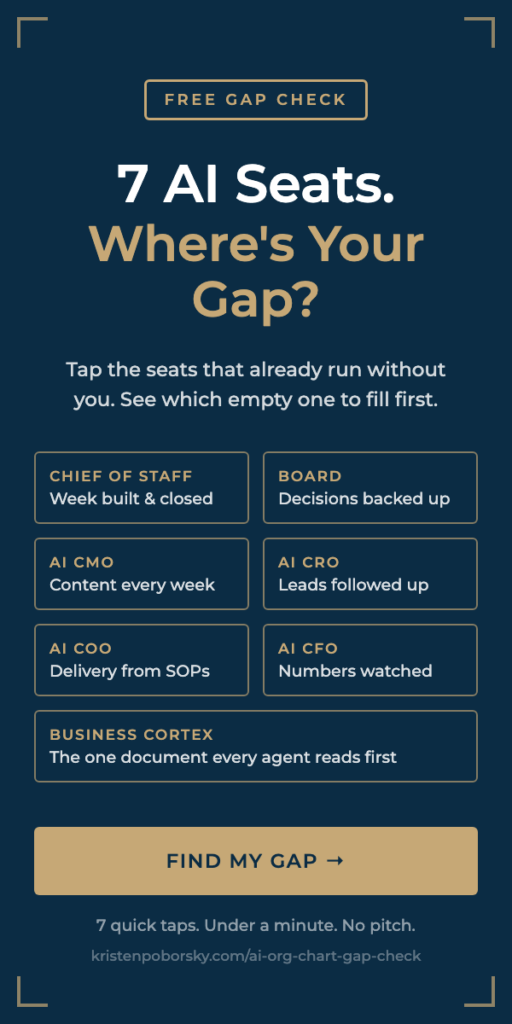
Want to know which AI agents your business needs first? Take the free 2-Minute AI Business Audit. It shows you the first three agents to build, what not having them is costing you, and what changes in your business once they’re running. Or steal my AI org chart and see which of the 7 AI seats your business still has empty.